When something happens,
your people should know.
The safety product is built around one principle: when you need help, the process should stay simple.
Who it is for
For people who want a deliberate way to alert trusted contacts and check in during everyday situations.
Emergency alert
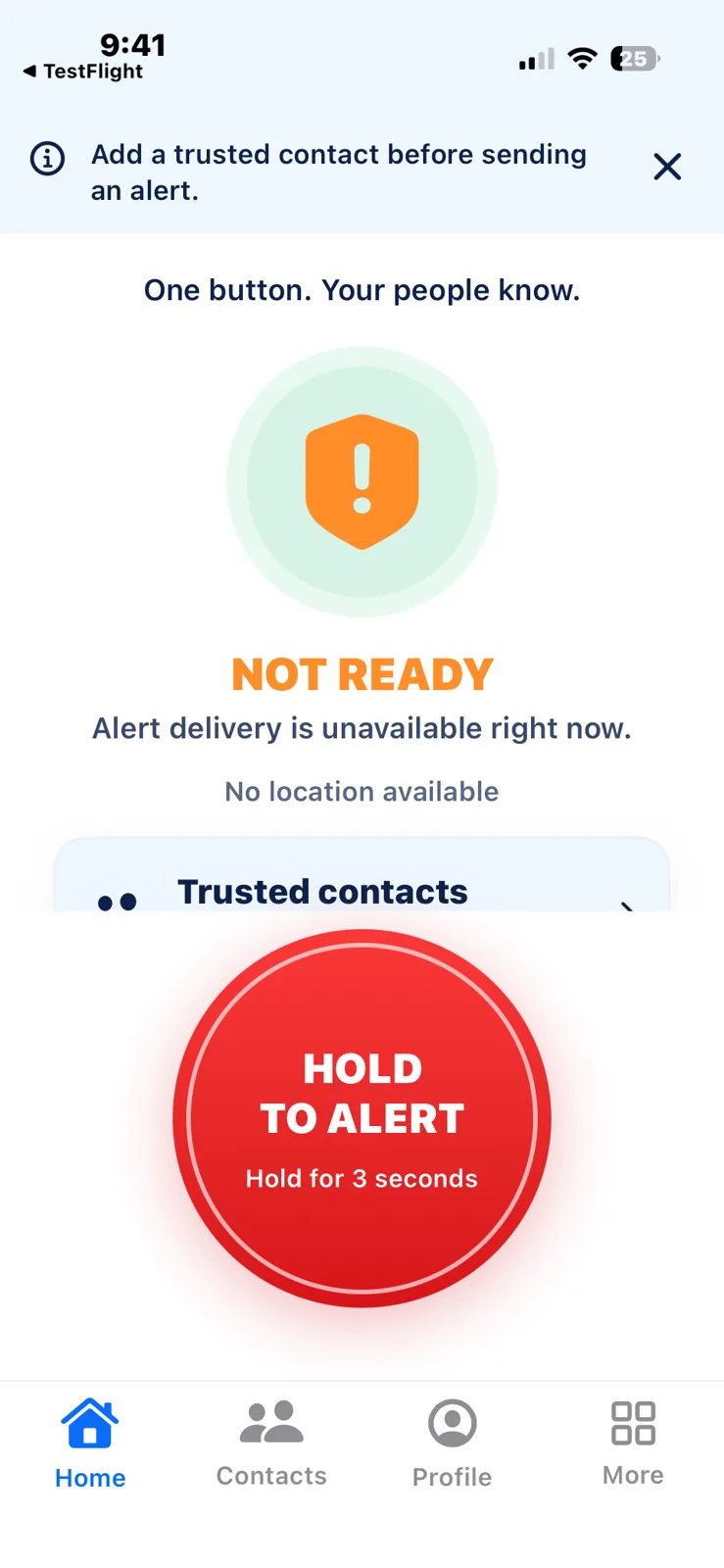
Hold the emergency button for three seconds to begin the alert flow. A deliberate hold also stops an active alert.
Trusted contacts
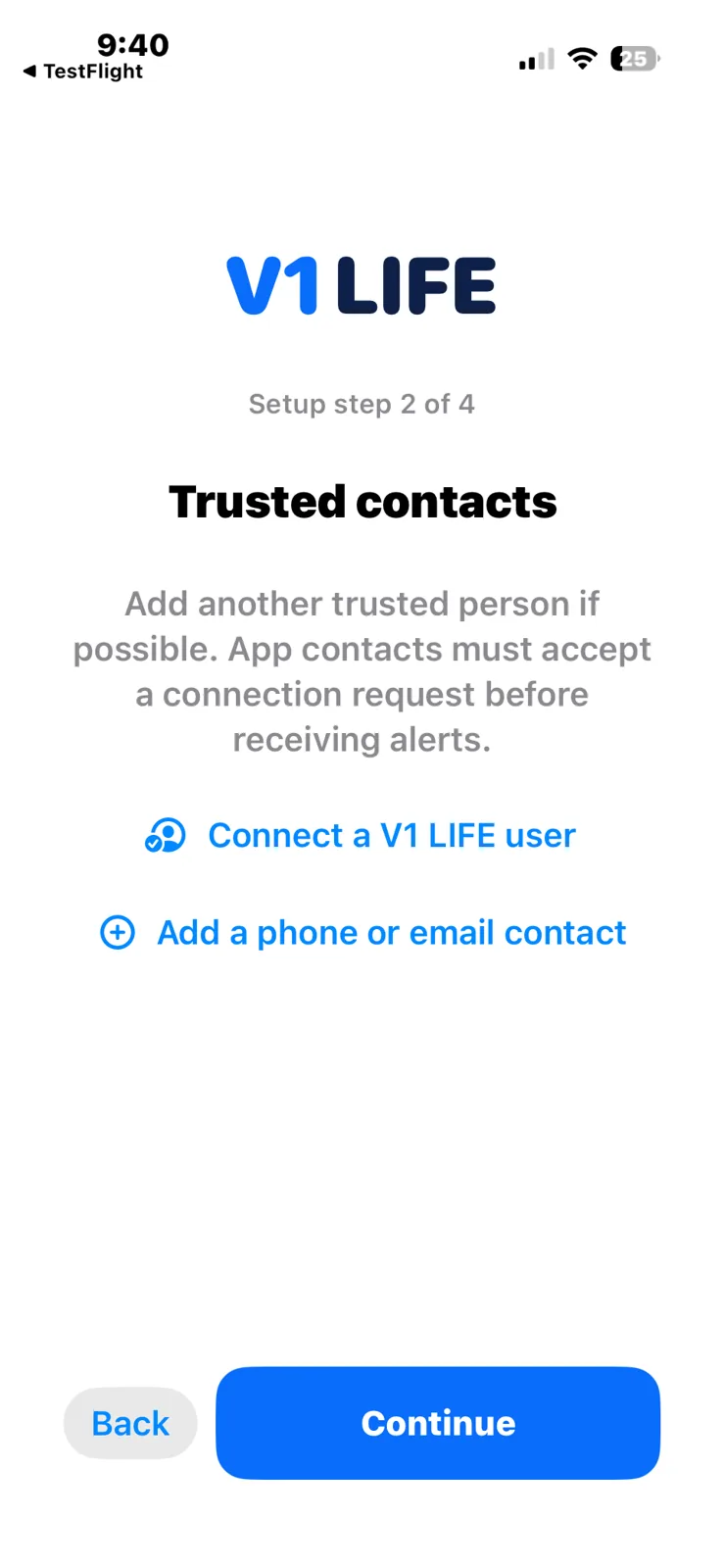
Choose the people you actually trust. Add up to 20 trusted contacts; app connections require acceptance, and external SMS recipients must opt in before alerts can be sent.
Location
Share current and updated location during an active alert or Safe Check, where available and enabled. The last available location is shown with its timestamp.
Safe Check
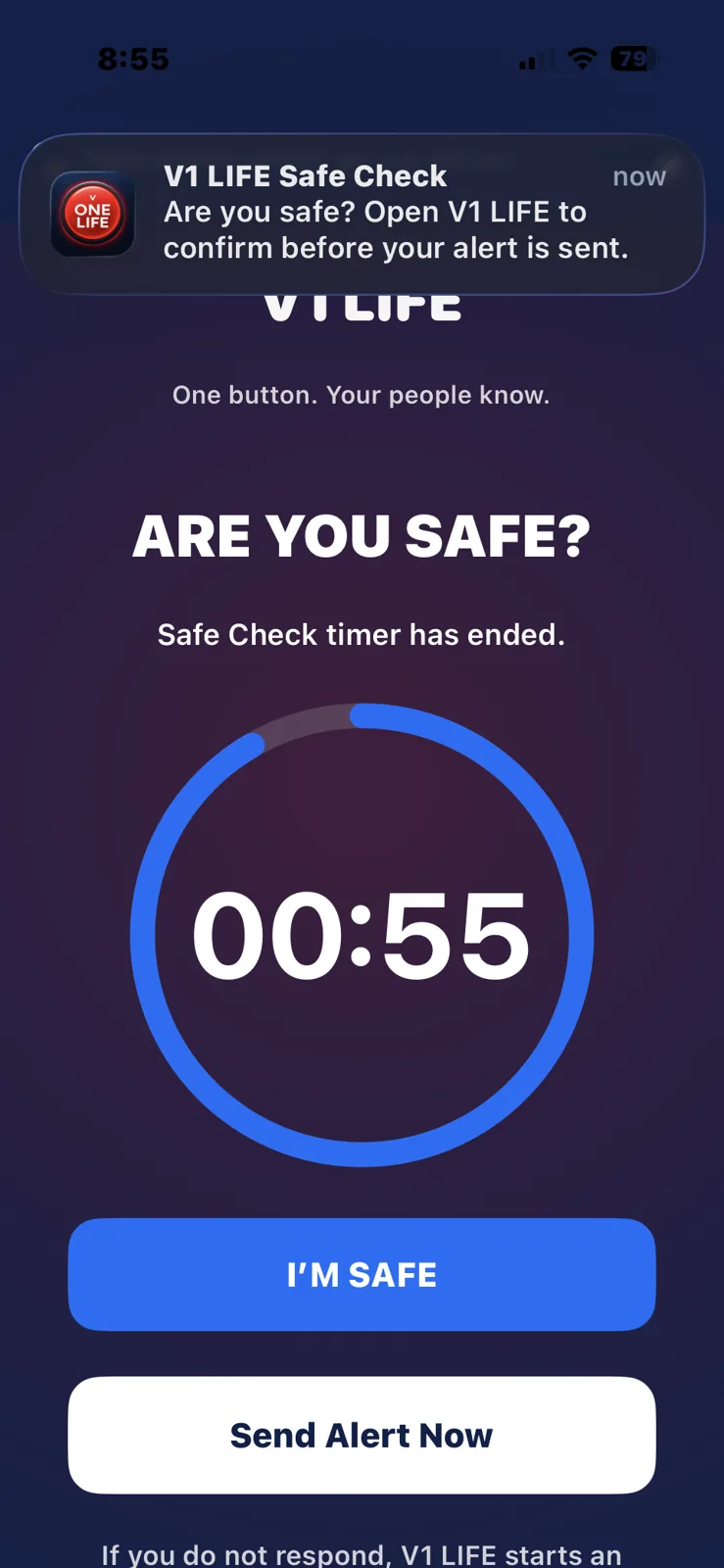
Set a timer. If you do not confirm that you are okay, the app can continue the configured safety flow.
Status and cancellation
See whether alerts were sent and what part of the safety flow is active. Server receipt, provider acceptance and contact acknowledgement are separate states. Stop requests need confirmation from the service.
My Attorney
Optionally mark one of your trusted contacts as My Attorney. This is your chosen contact, not an on-demand legal service.
Inside the app
Application screens · Financial amounts are illustrative
Safety technology should disappear into the background until the moment you need it.
Alert delivery and location updates depend on permissions, connectivity and available delivery channels. V1 LIFE does not contact emergency services or guarantee a response.